01
Circle, arrow, a word
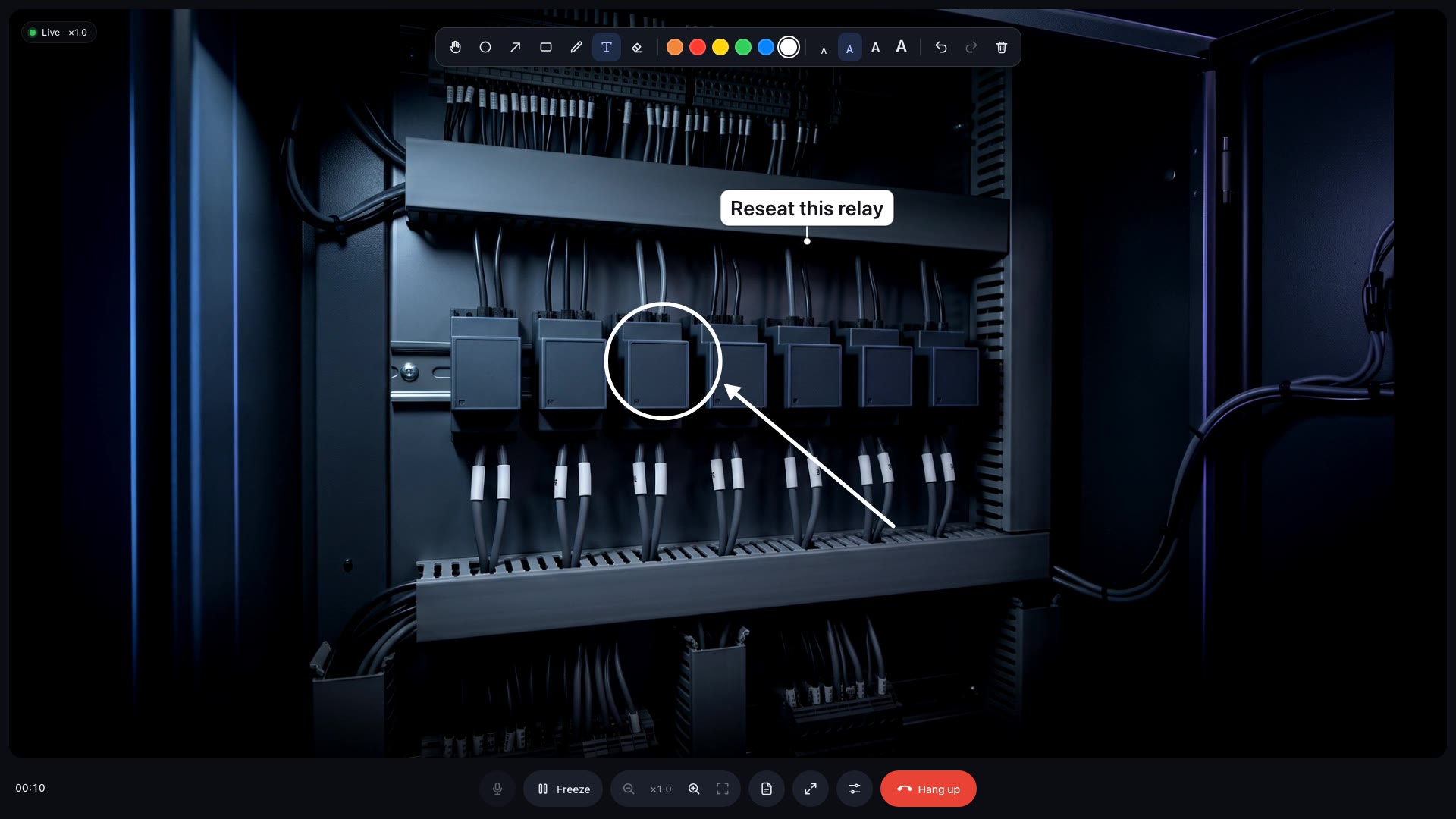
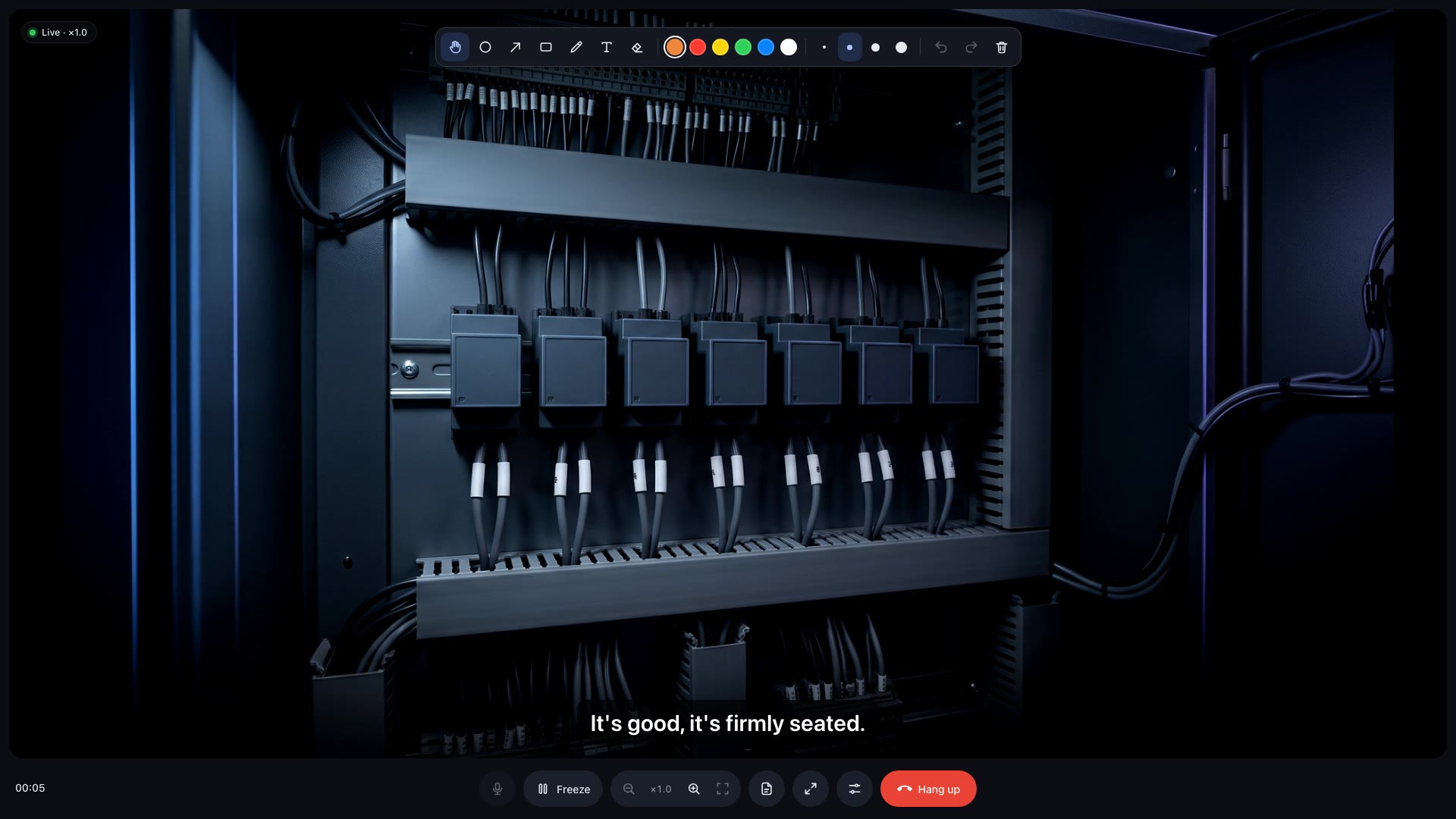
Drawn in the browser, placed in the room. Marks stay on the part when the technician moves, leans in or looks away.
 Vizr
Vizr
See the machine through the technician's headset. Point at the exact part, send the right drawing, and each of you speaks your own language.
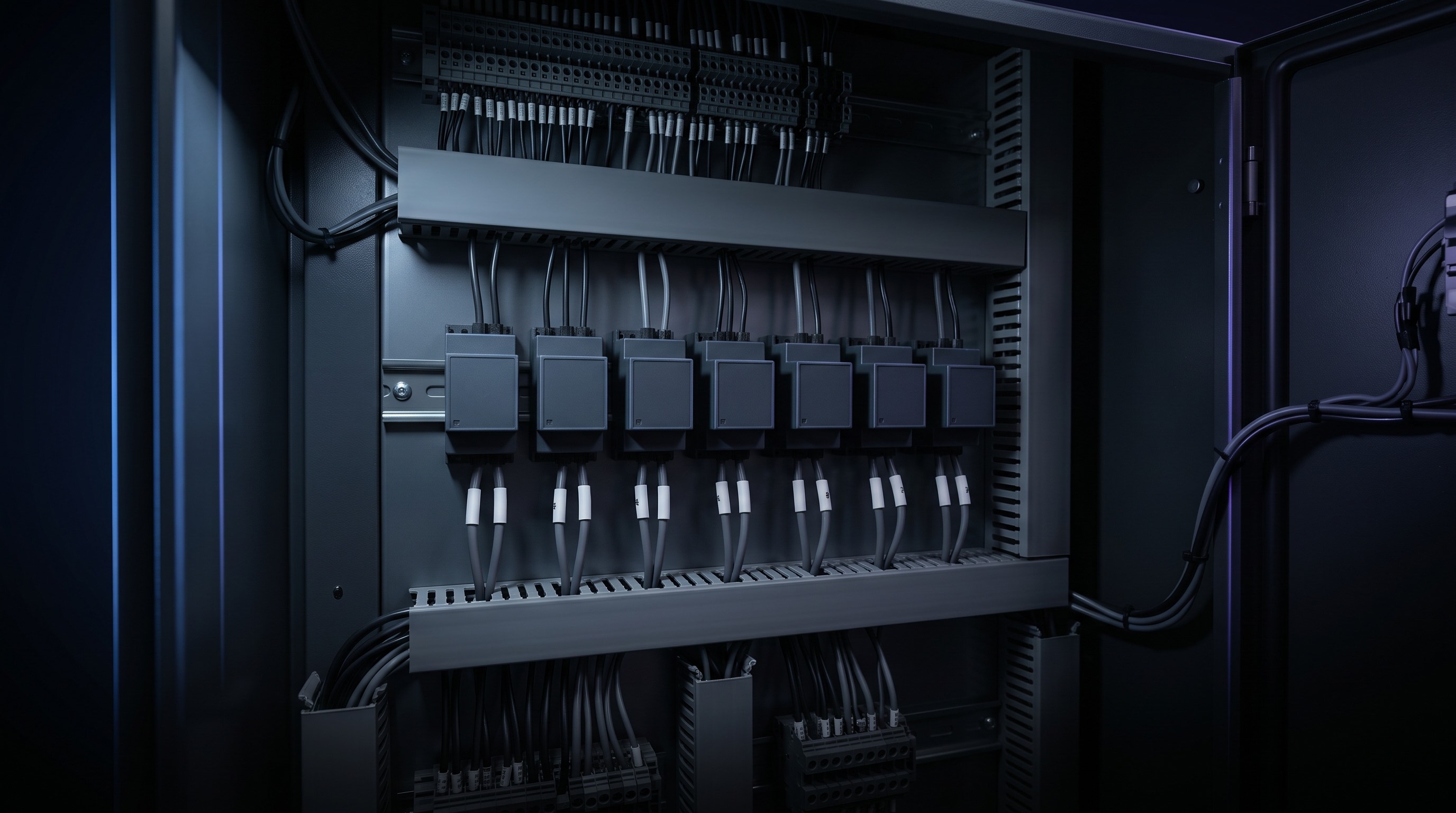
A machine goes down at one of your sites, or at a customer's.
Everything waits until the right engineer is standing in front of it.
A phone call or a photo can't show which part.

An augmented reality headset. They see the real machine, and both hands stay free to work on it.
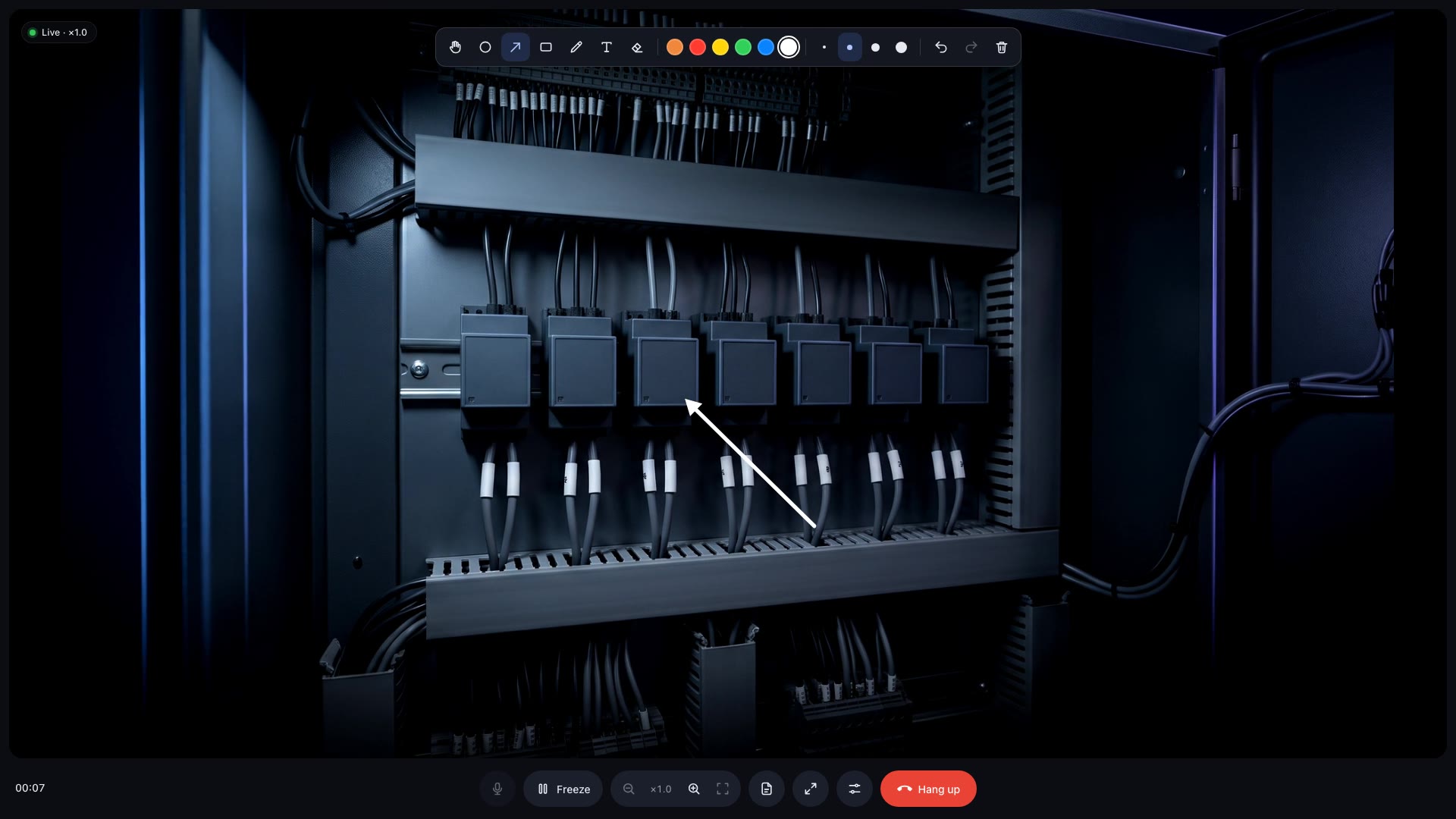
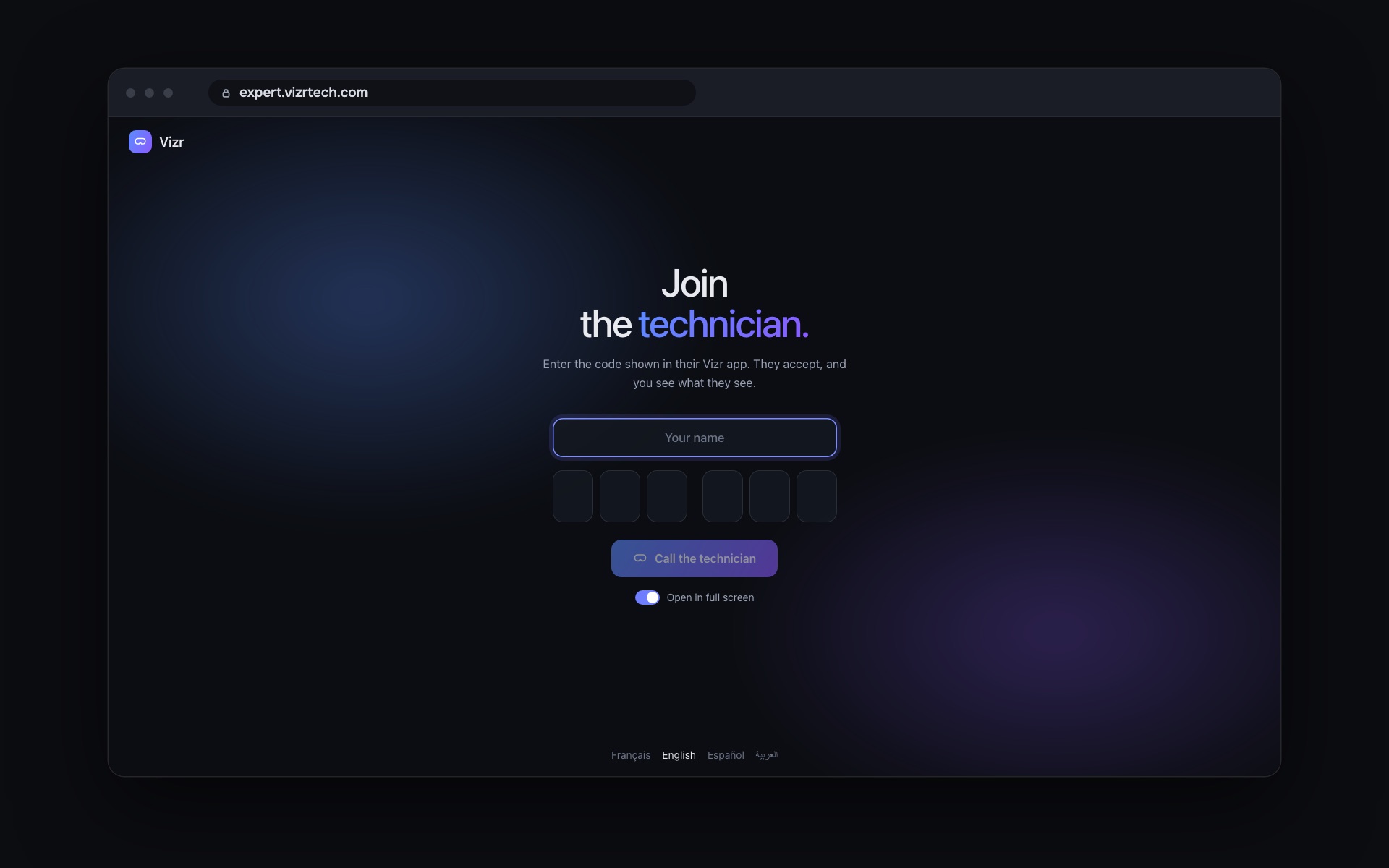
A browser on any computer. Nothing to install. They see, talk, draw on the machine and send the right drawing.
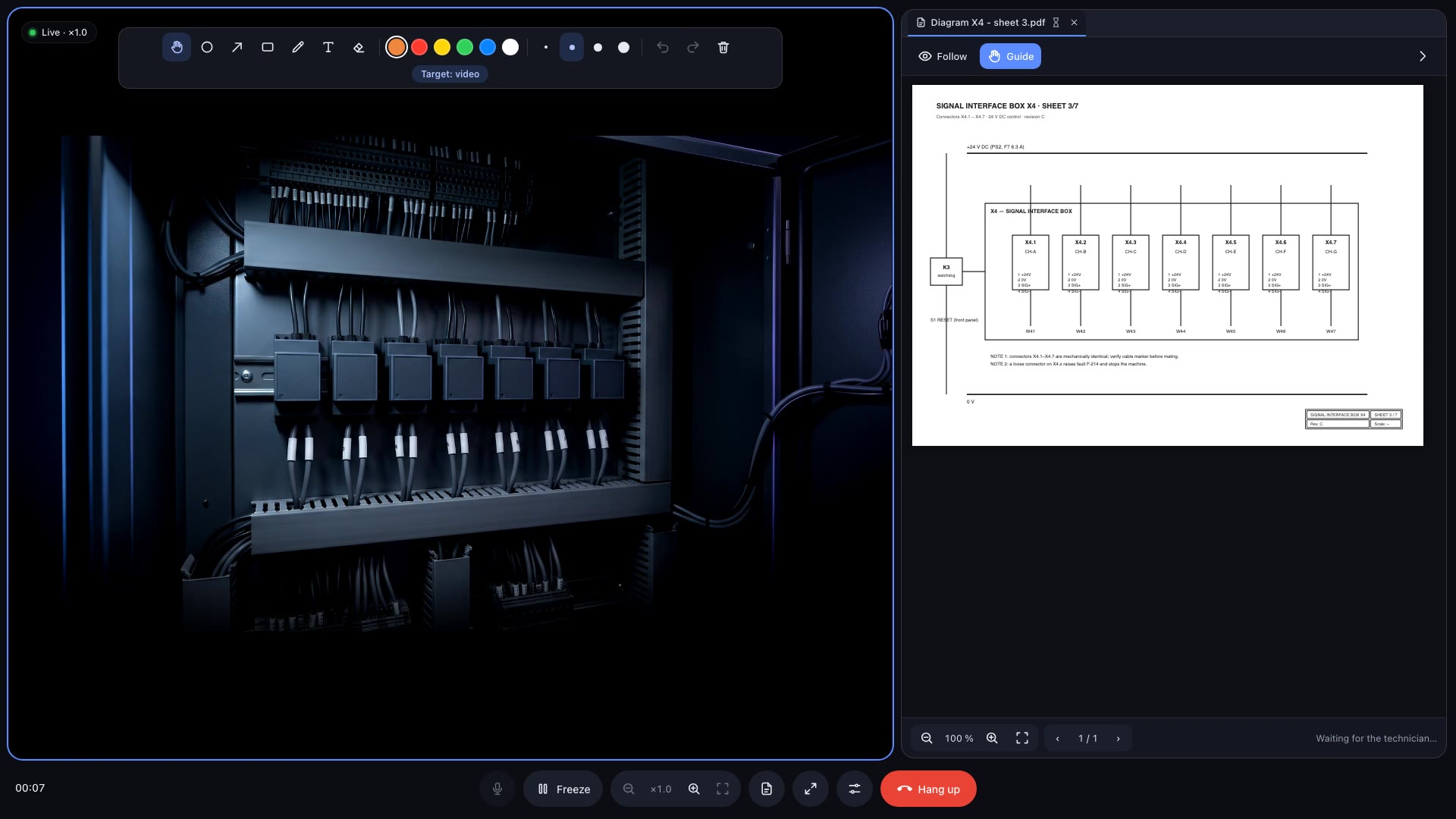
The expert picks the page and zooms in on the connector to check. The technician reads it right beside the cabinet, with no phone in one hand and no binder in the other.

Drawn in the browser, placed in the room. Marks stay on the part when the technician moves, leans in or looks away.
The expert sends a PDF or a photo and it opens beside the machine. They turn the pages and zoom in for the technician, who keeps both hands on the job.
The expert speaks their language, the technician speaks theirs. Each one follows the other in subtitles, in more than 40 languages.
A colleague at another site or the manufacturer's expert helps from their own computer, with no software to install. Experts join free of charge.
A colleague asks to join the call and the technician accepts. One expert has control at a time: they annotate, send documents and guide. They hand it back in one click, and the technician can pass it on too.
The expert freezes the image in full resolution, zooms in on the detail and circles the right bolt. Meanwhile, the technician keeps working.
The technician puts on the augmented reality headset. Its code is in view — the same one every time, one per headset.
The expert opens a web page on any computer and types the code. No software, no account to set up. The technician accepts the call in the headset and reads a short safety note, and the expert sees what time it was read.
The expert sees, talks, draws on the real machine and sends the right drawing. The technician keeps both hands on the work.
At your site or a customer's: the expert sees the fault from their desk and guides the technician on site all the way to the fix.
The on-site crew installs. The specialist, at your company or the manufacturer's, checks every step through their eyes, with the drawings in view.
The technician on site does the work. The expert shows them each part, one by one, without traveling.
Train a crew on the machine, yours or a customer's, in their own language, with live subtitles.
Every time, the expert stays at their desk and sees exactly what the technician sees.
in travel costs saved
of CO₂ emissions avoided
faster repairs
in downtime costs avoided
No more trips for the expert. From their desk, they see the machine, walk the technician through the fix and get it running again in minutes.
See it on your machineVizr connects two people for the length of a call. No video, audio or annotations are kept, shared documents are deleted within four hours, and everything is encrypted in transit.
An augmented reality headset running the Vizr app. It shows the real room with the expert's marks and documents on top, and leaves both hands free. We cover the hardware during the demo.
A computer with a recent browser, a microphone and the headset's code. Nothing to install.
An augmented reality headset with the Vizr app, a Wi-Fi internet connection, and nothing in your hands.
Up to three on the same headset. Each one asks to join the call, the technician accepts, and only one has control at a time.
The headset needs an internet connection over Wi-Fi. In the demo we check it on your site, on your machine, before you decide anything.
Live subtitles in more than 40 languages. Each side speaks their own, reads the other, and the translation can be primed with the vocabulary of your industry.
An annual license per headset. Experts join free of charge. We'll give you the exact price for your fleet during the demo.
Pick a slot. You play the expert: from your computer, you point out the exact part to a technician wearing the headset in front of a real machine, and send them the drawing, each of you in your own language.